Tutorials
HubSpot
How to create a ticket in HubSpot
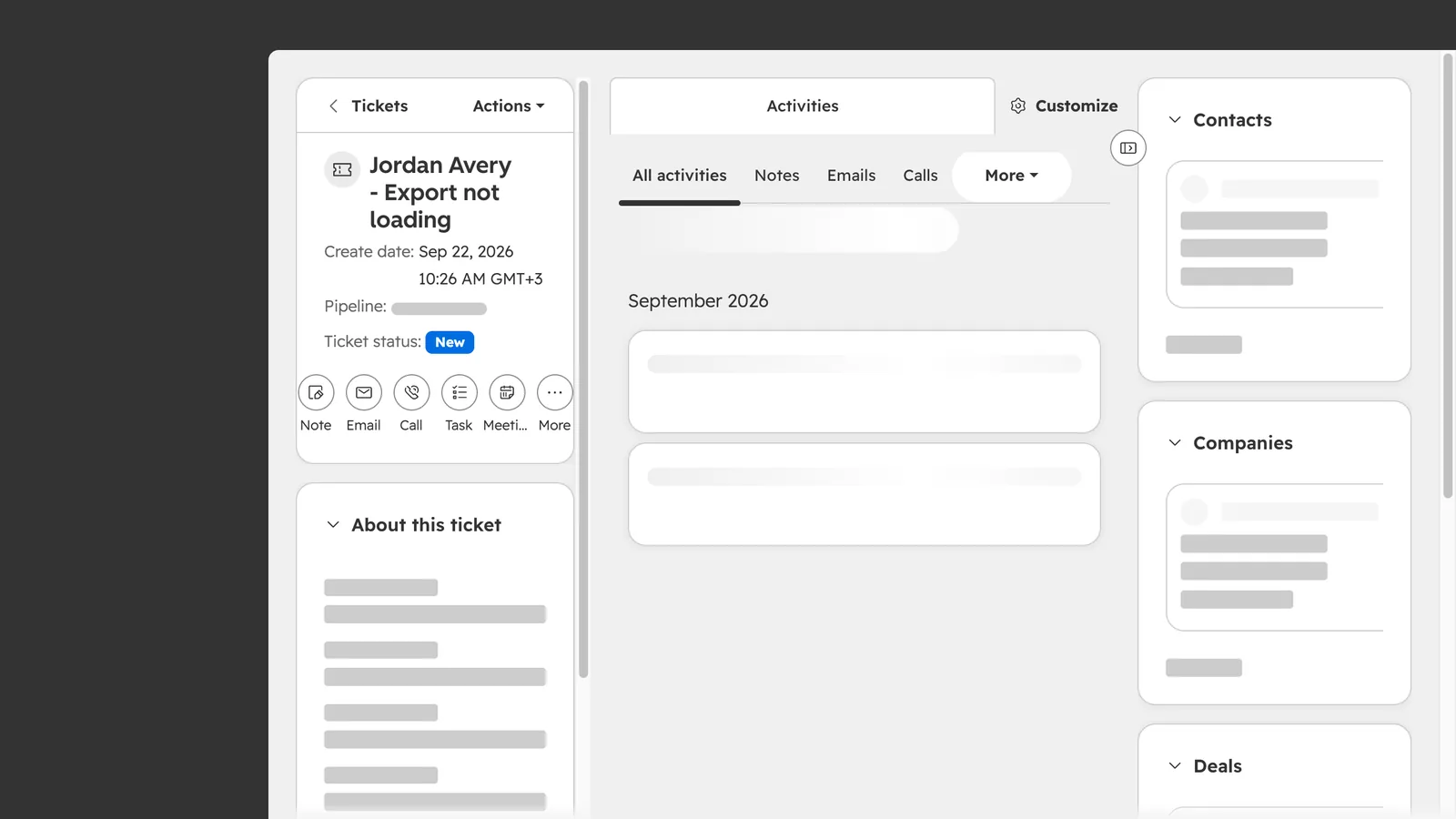
How do I create a ticket in HubSpot?
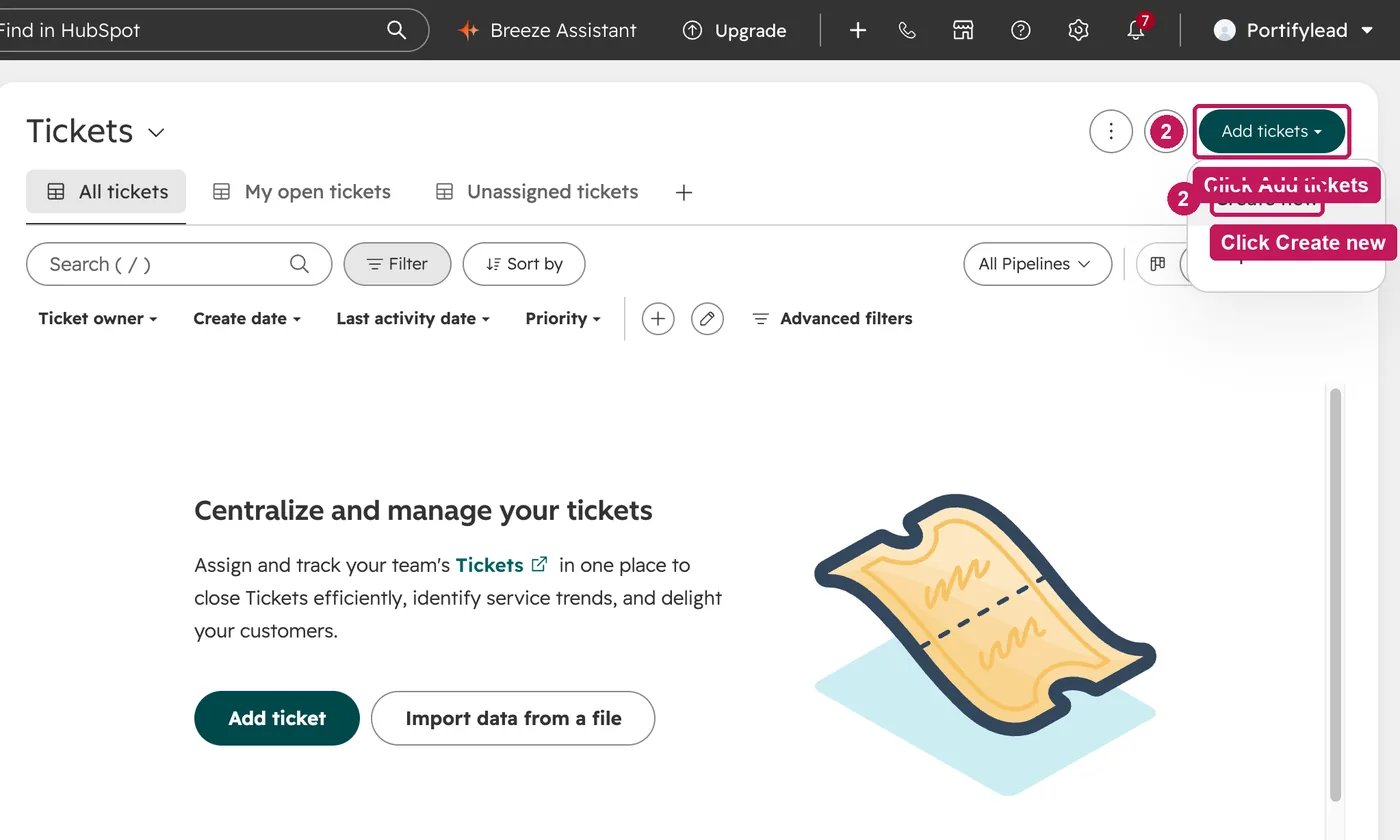
Go to CRM, then Tickets, click Add tickets and Create new. Name the ticket, check the pipeline and status, set a priority, associate the contact and click Create.
- Go to CRM, then Tickets.
- Click Add tickets, then Create new.
- Name the ticket and describe the request.
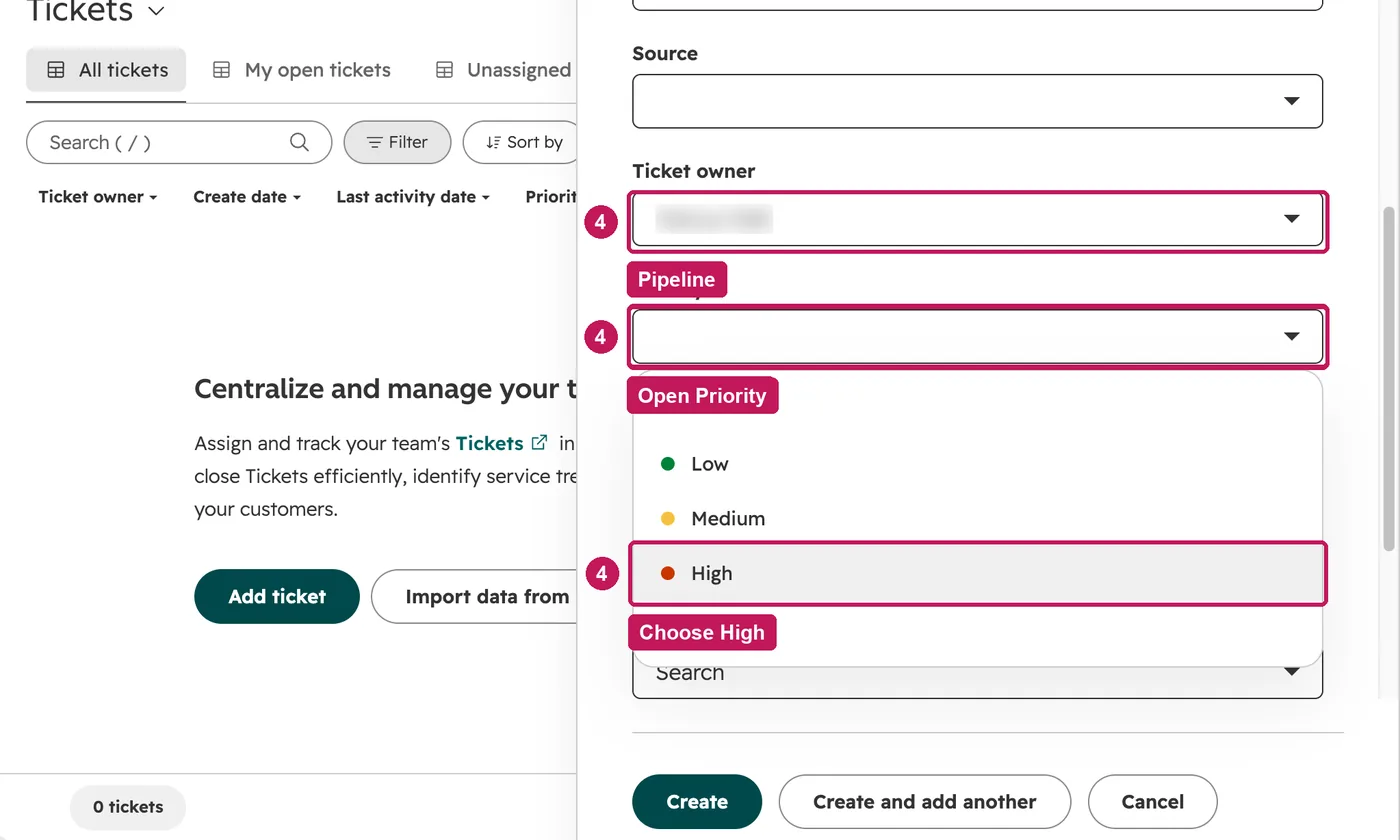
- Check the pipeline and status, then set the priority.
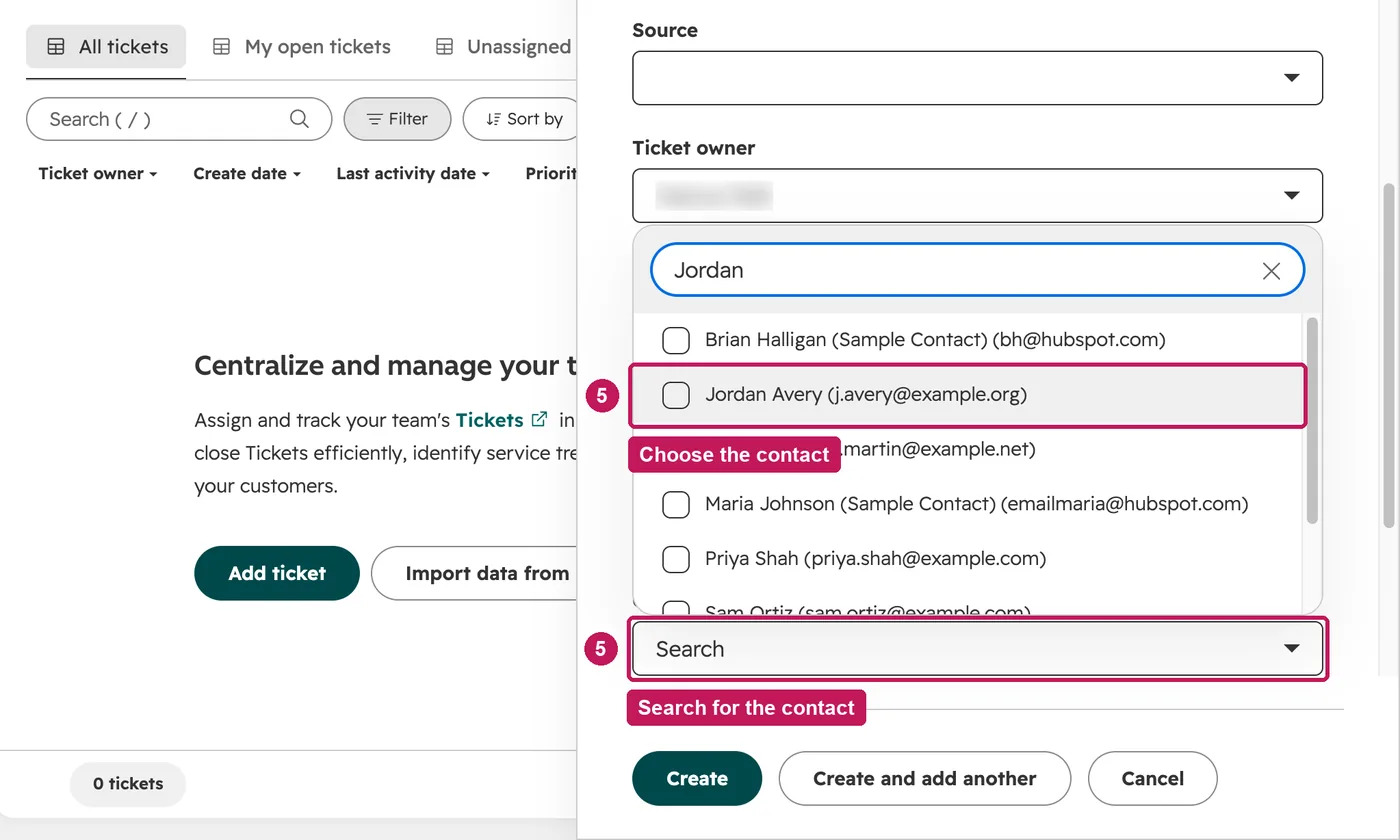
- Associate the ticket with the contact who asked.
- Click Create. The ticket is saved and linked to the contact.
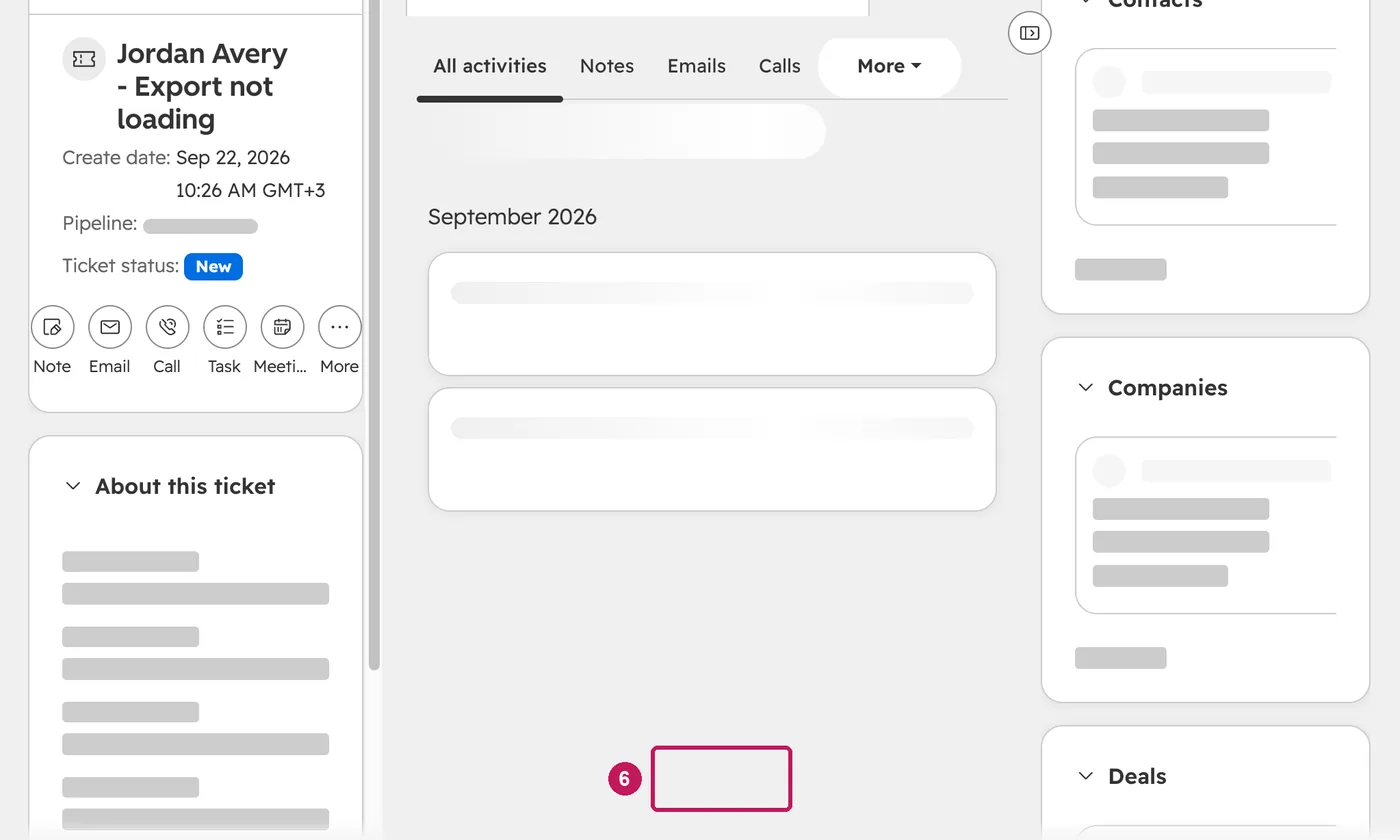
Free accounts have one ticket pipeline, the Support Pipeline, and cannot add custom pipelines. Its default statuses are New, Waiting on contact, Waiting on us and Closed.
Source: HubSpot’s Set up and customize pipelines help article, updated 8 September 2026, checked 27 September 2026.